How to Find Verified Sideline Apparel Drops Before They Sell Out
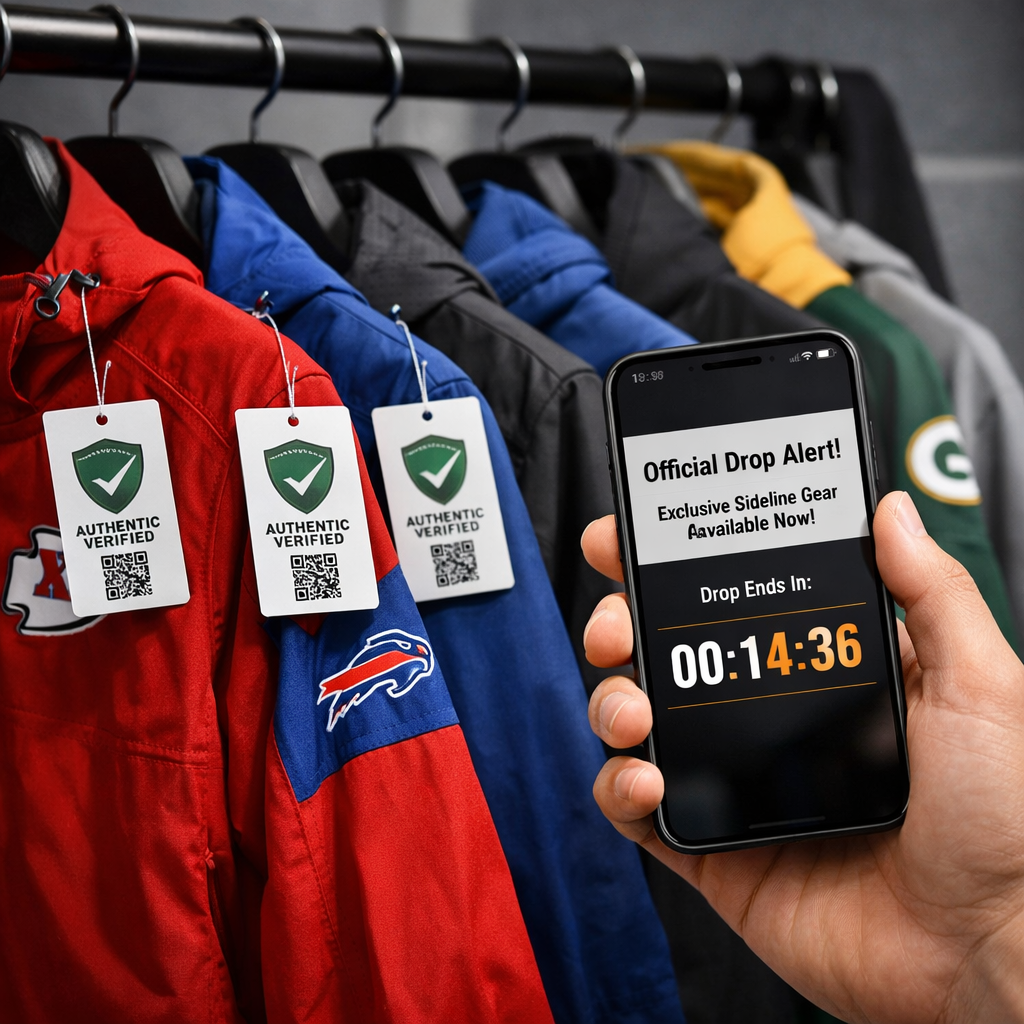
How to Find Verified Sideline Apparel Drops Before They Sell Out
Securing official sideline apparel before it disappears comes down to two things: knowing where verified drops originate and being ready the moment they go live. This guide lays out a practical playbook—prioritizing official sources, joining presale lists, tracking reliable social signals, and preparing checkout flows—so you can act fast without overpaying. We’ll also show you how to compare total cost across vetted retailers, verify licensing and authentication, and plan for restocks if you miss the first window. Follow the step-by-step tactics, and you’ll turn unpredictable drops into a repeatable win.
Fan Gear Finder
Fan Gear Finder is your neutral, research-first guide to officially licensed NHL gear and authenticated memorabilia. We aggregate exclusive sideline apparel drops across trusted sources and surface the best total cost—item price plus shipping, taxes, and return policies—so you can buy confidently and skip counterfeits. Our edge is rigorous verification and side-by-side comparisons across authorized retailers, brand flagships, and official team/league stores. For signed items, we favor Fanatics Authentic for serialized COAs. You can also enable drop alerts and use our price comparison tools to spot value beyond hype. Start at the Fan Gear Finder homepage for current finds and comparisons.
Know the verified sources
Verified sources are official team and league stores, brand flagships, and authorized retailers that sell licensed products directly or via sanctioned partners. They use standardized licensing marks, publish transparent return policies, and often announce drops through calendars, email/SMS alerts, app push, and occasional invite-only access. Fan Gear Finder consolidates these official channels and flags authorized listings so you start from verified sources.
Brands increasingly use presale lists, invite-only waiting rooms, and single-use links to throttle access and reward loyalty, which is why official channels matter first. For a deep look at these mechanics, see Queue‑it’s product drop explainer (virtual queues, timed rooms, and access tiers) in Queue‑it’s product drop guide. For limited-run programs and how brands operationalize them, Manufactured’s overview of limited drops shows how creators and labels structure scarcity and release cadence in Manufactured’s limited drops guide.
Prioritize sources in this order:
- Official team/league stores and brand flagships (highest authenticity and cleanest returns).
- Authorized retailers with visible licensing and clear return terms (e.g., major sporting goods chains).
- Dedicated drop platforms brands use for limited runs (announced via official channels and creator partners).
Join presale and VIP lists
Presale email and SMS lists both capture demand and grant early buying windows—often via unique, single-use links that beat public launches. Queue mechanics and VIP access are frequently coordinated through these messages, so opt in well before drop day, as outlined in Queue‑it’s guide. We also link to official sign-up pages where available to save time.
Must-join channels:
- Team/brand newsletters, SMS alerts, and app push (enable notifications).
- Retailer accounts with marketing opt-ins; complete email verification so critical messages don’t get filtered.
Three-step mini-flow to ensure delivery:
- Opt in via email/SMS and app;
- Add sender addresses/numbers to contacts;
- Test a past message or discount code to confirm you’ll receive time-sensitive drop links.
Follow official teams and trusted communities
Minutes matter. Instagram Stories or TikTok teasers, micro-influencer unboxings, and VIP SMS blasts can compress sellout windows to mere minutes, according to Zigpoll’s analysis of rapid streetwear launches in Zigpoll’s launch strategy insights. Fan Gear Finder monitors these signals and surfaces timely alerts for verified drops.
Where to follow:
- Verified team and brand accounts on Instagram, X, and TikTok; watch for countdowns, story polls, and “early access” swipes.
- Private Discords or invite-only IG circles where previews, restock hints, and access codes first appear.
- “Social signals” definition: “Social signals are real-time cues from official accounts, influencers, and fan communities—such as countdowns, teasers, and restock mentions—that indicate timing, scarcity, and momentum for imminent drops.”
Set automated drop monitoring
Listings often move across channels at once. Sellers syndicate inventory via crosslisters, and server-to-server syncs help prevent double sales across marketplaces—meaning small signals can precede a visible sellout. Closo outlines these cross-platform dynamics in Closo’s data-driven resale guide.
A simple monitoring stack:
- Fan Gear Finder drop alerts for verified sideline releases.
- Google Alerts for team + “sideline” + “drop.”
- Calendar reminders keyed to tentpole games, rivalry nights, and special jerseys.
- Follow keyword searches and hashtags; add drop-tracker feeds; watch secondary marketplaces for early movement.
Suggested monitoring table:
| Channel | What to watch | Action if triggered | Link to verified retailer page |
|---|---|---|---|
| Official team store page | New arrivals banner; countdown timers | Log in, open product tabs, pre-select sizes | Saved team store URL |
| Brand app notifications | “VIP early access,” “members-only” alerts | Tap push, use unique link, join waiting room | Saved brand flagship URL |
| Social keywords/hashtags | “sideline,” “drop,” “restock,” “early access” | Open verified product page; refresh at T-2 minutes | Saved product/category URL |
| Drop-tracker feeds | Status flips to “live/available” (e.g., Fan Gear Finder alerts) | Proceed to checkout on official channel | Saved official retailer page |
| Secondary marketplace watch | Unusual early listings or spikes | Do not buy; return to official sources and refresh | Official store homepage |
Get checkout ready before launch
Brands deploy virtual queues and invite-only waiting rooms to convert demand and manage traffic—so your setup dictates your odds, as detailed by Queue‑it. Do the work upfront to shave seconds. Our listings include direct links to official product pages or queues when provided, reducing misclicks at go time.
- Create accounts everywhere you plan to buy; pre-fill shipping and payment; save sizes and stay logged in on two devices (mobile + desktop).
- Use the exact presale or VIP link; expect a waiting room; avoid switching tabs near go-time.
- Keep autofill on; pre-authorize payment where possible.
Why the urgency? Queue‑it notes early SKIMS drops sold out in about 10 minutes, and high-heat items can vanish in under 30 seconds—speed and accuracy win.
Use social signals to time your purchase
Flash SMS blasts and micro-influencer unboxings can tip a drop from “warming up” to “sold out” in minutes, as observed by Zigpoll. Convert signals into action with a tight flow:
- See a teaser or countdown? Open verified product pages and log in immediately.
- Enable VIP SMS/push; at T‑2 minutes, refresh once and lock size/color.
- Commit and check out—don’t over-edit cart under pressure.
Examples:
- Surprise drops (fixed weekly times) reward pattern recognition and early login.
- Teased drops with countdowns let you stage tabs, sizes, and payment, then fire at zero.
Plan for restocks and avoid counterfeits
Limited drops build urgency and community, often using presales, waiting rooms, and invite-only lists to reward loyalty; restocks frequently return to those channels first, as documented by Manufactured and Queue‑it. Fan Gear Finder flags official restocks and avoids linking to unauthorized sellers.
Your ethical restock plan:
- Monitor official announcements and VIP channels; re-enable wishlist/site alerts.
- Avoid unverifiable resellers unless authenticity and return rights are ironclad.
- Watch for renewed “scarcity” signals (e.g., competitor counts, queue pings) that hint at replenishment.
Counterfeit risk is the likelihood of buying unlicensed or fake merchandise from unauthorized sellers. It spikes after sellouts when lookalikes flood marketplaces. Reduce risk by purchasing from official or authorized channels, checking licensing tags and holograms, and confirming retailer authorization and return policies.
Compare prices, shipping, and return policies
Scarcity prompts urgency—live competitor counts and “selling fast” banners can push hasty checkouts. Pause long enough to compare total cost: item price, shipping speed/cost, taxes, return fees/windows, and in-stock sizes. Our side-by-side comparisons help you avoid paying more for slower shipping or stricter returns; see our breakdowns starting at Fan Gear Finder and our take on big-box vs. specialty pricing in our DICK’S vs. Fanatics comparison. Our tools calculate estimated total cost across authorized options so you can choose speed and flexibility, not just sticker price.
Example comparison table:
| Factor | Retailer A (Official Team Store) | Retailer B (Authorized Big-Box) | Retailer C (Brand Flagship) |
|---|---|---|---|
| Item price | $120 | $115 (promo eligible) | $120 |
| Shipping speed/cost | 2–5 days / $7.99 | 2–3 days / $9.99 | 1–3 days / $14.99 (express) |
| Taxes | At checkout | At checkout | At checkout |
| Return window/fees | 30 days / $0–$7.99 label | 60 days / free in-store return | 30 days / $0 with membership |
| In-stock sizes | S–XL | S–XXL | XS–XL |
| Estimated total cost | $127.99 + tax | $124.99 + tax | $134.99 + tax |
Verify licensing and authentication
Licensing verification confirms a product is officially sanctioned by the league/team and manufacturer, typically shown via holographic tags, SKU traceability, and retailer authorization. Authentication for signed items verifies the signature through trusted services and serialized certificates of authenticity (COAs). Fan Gear Finder product notes call out licensing tags, authorized sellers, and COA details when available.
Quick checks:
- Look for official league/team holograms and manufacturer tags; confirm SKUs match product pages.
- Confirm the retailer is authorized and publishes clear return terms.
- For signatures, favor established authenticators (e.g., Fanatics Authentic) with serialized COAs and database lookups.
Drop-day checklist
Seconds matter—Supreme’s surprise drops at fixed times and Yeezy sellouts measured in seconds illustrate how narrow the window can be, as analyzed in CoreMedia’s hype and drop strategy guide.
- Log in on two devices; open the product page and cart.
- Turn on autofill; ensure payment and shipping are saved; sizes preset.
- Enable SMS/push/email; use the exact invite or unique link if provided.
- If queued, don’t refresh unless instructed; the moment you’re through, check out.
Frequently asked questions
How do I tell if sideline apparel is officially licensed?
Check for official league/team holograms, consistent branding and SKUs, and buy from authorized retailers. You can confirm tags/returns and cross-check sellers with Fan Gear Finder.
What alerts should I enable to catch drops in time?
Enable SMS, push, and email from official team/brand stores and authorized retailers. Add senders to contacts, set calendar reminders, and add Fan Gear Finder alerts for verified drops.
Is it safer to buy from resellers if I miss the drop?
Prioritize official restocks and authorized retailers for authenticity and solid return policies. Use Fan Gear Finder to find official restocks and vetted alternatives.
How can I improve my chances in virtual queues and waiting rooms?
Be logged in on multiple devices, pre-fill payment/shipping, and use the exact unique link or invite provided. Launching from Fan Gear Finder’s verified links helps you land on the correct queue or product page fast.
What should I compare across retailers before checking out?
Compare item price, shipping cost and speed, taxes, return windows/fees, and in-stock sizes. Fan Gear Finder totals these factors side-by-side so you can choose the best overall value.